I'll admit it: I've been a git commit -m "a" developer for far too long. Cryptic commit messages, no conventional format, just pushing code and moving on. It's not something I'm proud of, but it's the reality of working fast.
That changed when I built a small Claude agent that reads my uncommitted changes and proposes a branch name and commit message based on what I actually did. It takes seconds, and suddenly my git history makes sense.
This small win got me thinking: what other repetitive tasks could benefit from a specialized agent? And more importantly, how do we share these agents across our team without chaos?
The Problem: Slack is Not a Plugin Manager
At Blueprint, we started experimenting with custom Claude agents for recurrent tasks. One of the first was for data modeling: specifically, building the staging layer in dbt. If you've done this work, you know it's mostly cleaning data and casting types. It's important, but repetitive. A perfect candidate for an agent.
We tried sharing these agents through Slack. It lasted about two or three days before we realized it wasn't sustainable. Even with a team of just three people, we were already running into the classic problems: which version is the latest? Did someone improve this? Where's that file again?
We needed a proper system.
The Solution: A Git-Backed Plugin Marketplace
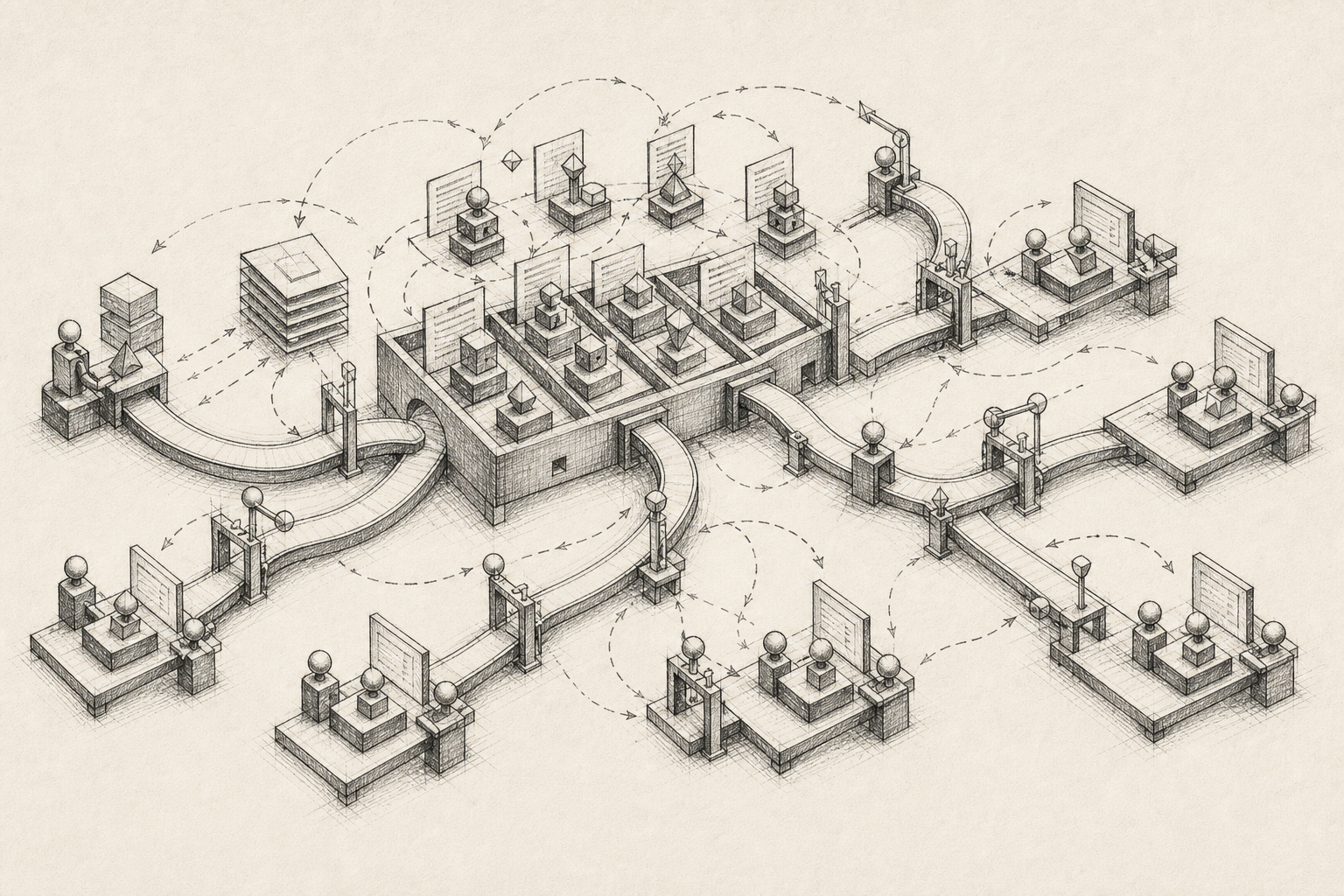
Once I dug into the Claude Code documentation, I realized we could build something much better. In a couple of hours, we had a working plugin marketplace structure: a Git repository that acts as a centralized registry for all our agents, commands, and integrations.
The architecture is simple:
- A marketplace registry (
marketplace.json) that lists all available plugins - Individual plugin folders with their own manifests and agent definitions
- Markdown-based agent instructions with YAML frontmatter for configuration
- Git for versioning and distribution — no custom infrastructure needed
Team members add the marketplace once with a single command:
/plugin marketplace add git@github.com:your-org/your-plugins.git
Then they can list, install, and update plugins directly from Claude Code:
/plugin list @your-marketplace
/plugin install my-agent@your-marketplace
It's version-controlled, searchable, and doesn't require anyone to dig through Slack history.
What We're Building
We're still early, but here are some agents we've created or have planned:
-
Conventional commits agent: Reads uncommitted changes, proposes a branch name and commit message following conventional commit standards. No more
git commit -m "a". -
Staging layer modeling agent: Uses our dbt-warehouse-profiler package to understand table structures, then helps build clean staging models. This deserves its own post.
-
Weekly updates agent (planned): For consulting work, we often need to summarize what we accomplished for clients. An agent that reads commit history and generates a client-friendly update could save hours.
The pattern is clear: identify a repetitive task, build an agent, share it with the team.
Why We Open Sourced the Template
At Blueprint, one of our core philosophies is "Open Source at the Core." We've released Singer taps for Dune Analytics, Firestore, Persona, and Turso. We maintain forks of tap-zendesk, tap-appsflyer, and target-bigquery. When we build something useful, we share it.
This plugin marketplace template is no different. We built it for ourselves, but we know we're not the only team facing this challenge. Any team with repetitive tasks can benefit from specialized agents. And any team with more than one person needs a system for sharing them.
So we open sourced it: github.com/blueprint-data/template-claude-plugins
Fork it, run ./setup.sh, answer a few questions, and you have your own private plugin marketplace.
The Honest Part: What We Haven't Solved
There's a challenge we're still wrestling with: how do you know if an agent is actually getting better?
Right now, we compare outputs manually. "Does this commit message feel better than before?" It works, but it doesn't scale. We're certain of that already.
We're exploring using our demo environment (the same one we use to showcase data stacks to clients) as a testing ground for agent evaluation. The idea is to run agents against known scenarios and compare results systematically. But this is still a work in progress.
If you've solved this problem, we'd love to hear from you.
The Bigger Picture
Here's what we believe: LLMs have advanced enough that creating specialized agents for specific tasks is now practical. We're going to see more and more of this. The teams that start building and sharing agents today will have a significant advantage.
Will we still be using Claude in two months? Honestly, we don't know. The AI landscape moves fast. But the principle of creating and sharing specialized agents will stick, regardless of which model or tool wins.
Everyone wants to use AI and ML, but few teams have a mature enough platform to actually leverage it. At Blueprint, we help build those platforms. This template is a small step toward making that development faster and easier.
Get Started
If your team uses Claude Code and has any repetitive tasks (you do), here's what to do:
- Fork template-claude-plugins
- Run
./setup.shand follow the prompts - Create your first agent in the
plugins/directory - Share the marketplace URL with your team
Start small. Build an agent for something that annoys you. Share it. Iterate.
Sharing is caring. Your team will thank you.